Essay
How to customize and embed Google Forms on your website?
How to customize and embed a Google Form on your website while continuing to store every response in Google Sheets.

Landing pages are crucial for any business. They're your first impression, your lead generator, and your user engagement driver. But as crucial as they are, there's one component that can be surprisingly cumbersome to implement effectively - the contact form.
I am sure you would have come across people setting up dedicated servers to handle form submissions. This is an overkill and definitely could be optimized. There are existing products like Google Forms (opens in a new tab) that store form responses in Google Sheets (opens in a new tab), but you can't customize the styles and match them with your site's existing design.
That's why I built form2Sheets (opens in a new tab) using NextJS, TailwindCSS, and Typescript, this tool allows you to use your Google form on your website. This blog explains how to use form2Sheets (opens in a new tab) step by step.
-
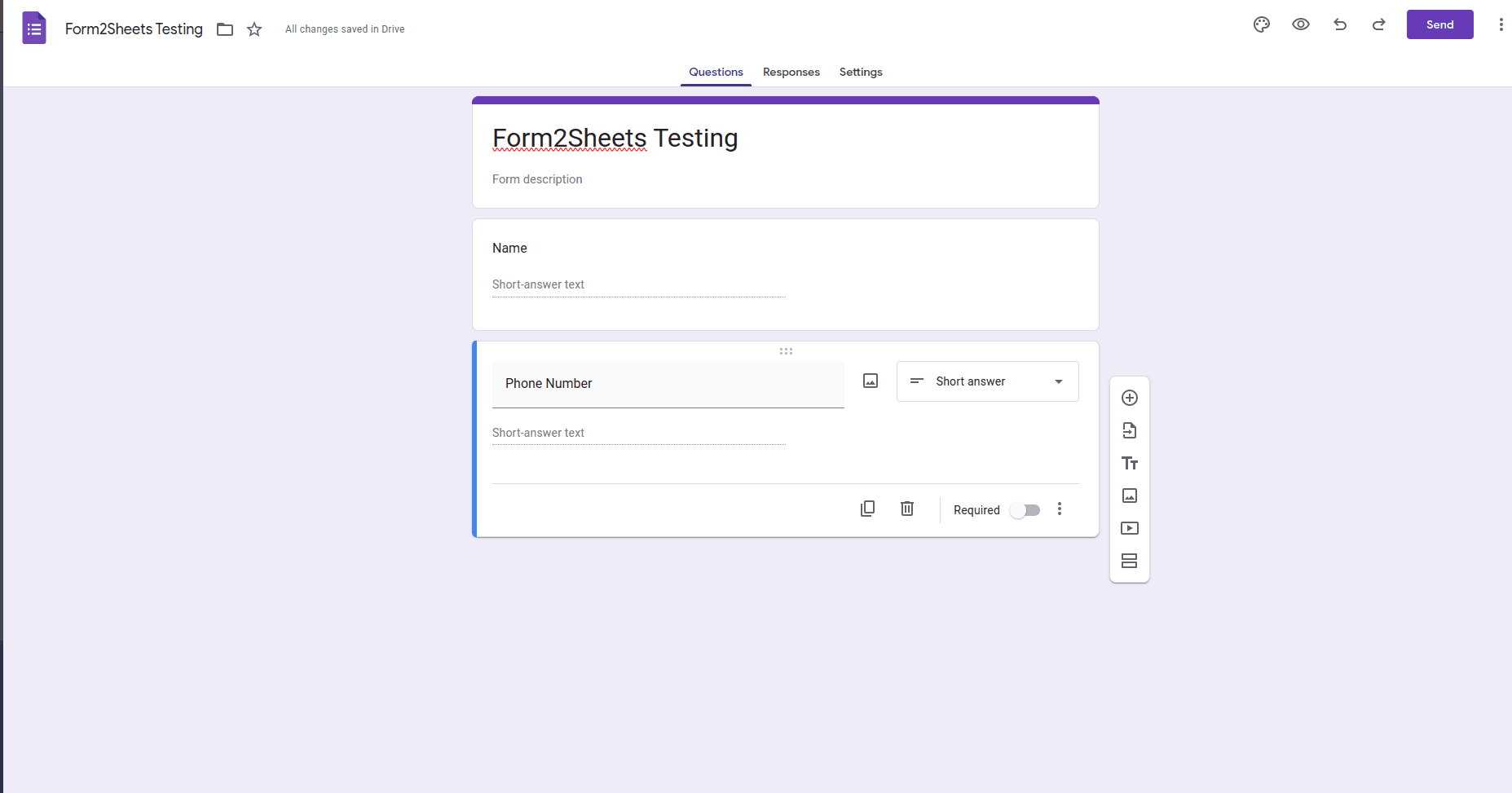
Create a Google form by visiting forms.google.com (opens in a new tab)
-
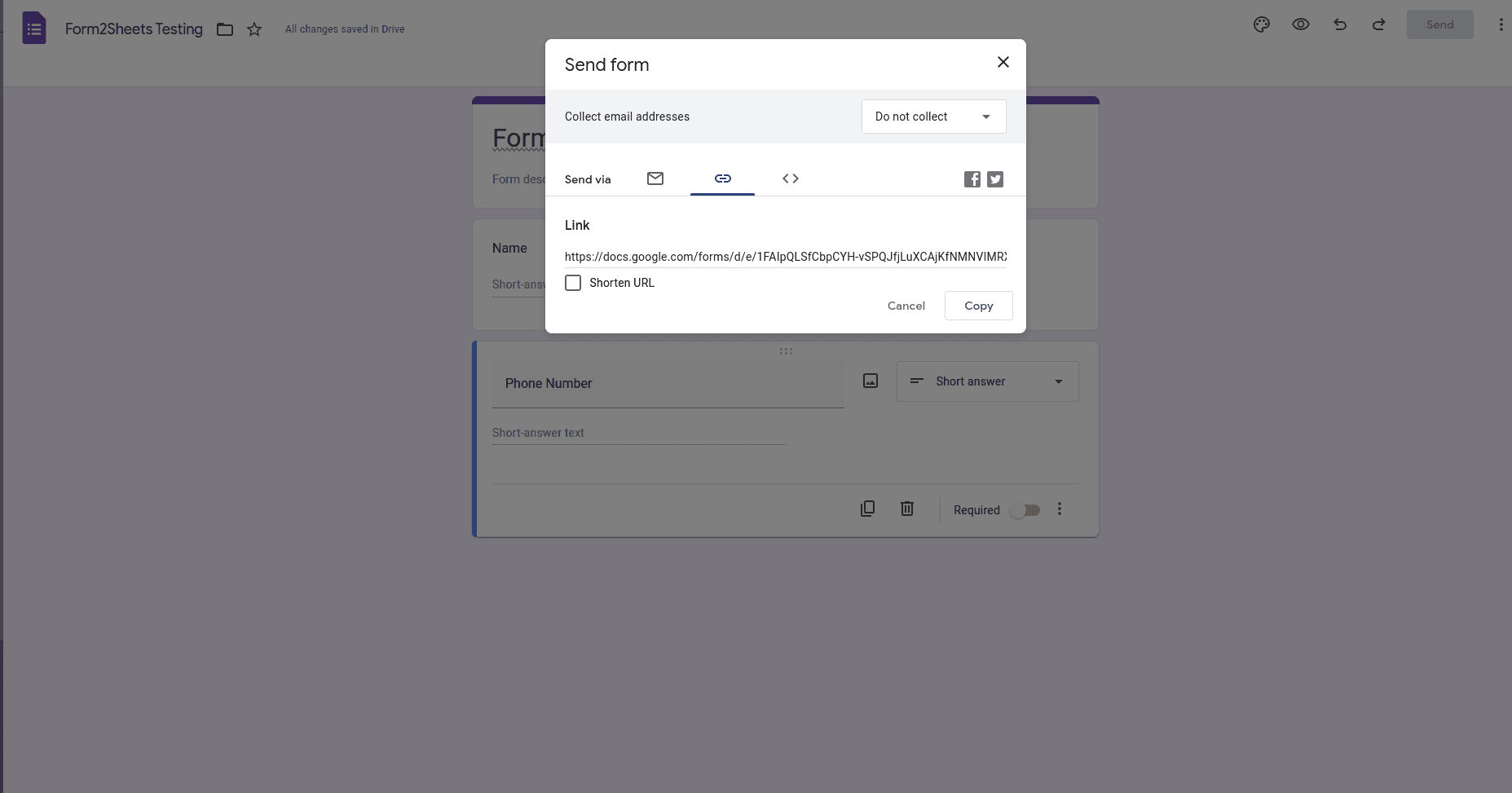
Click on send and copy the URL
-
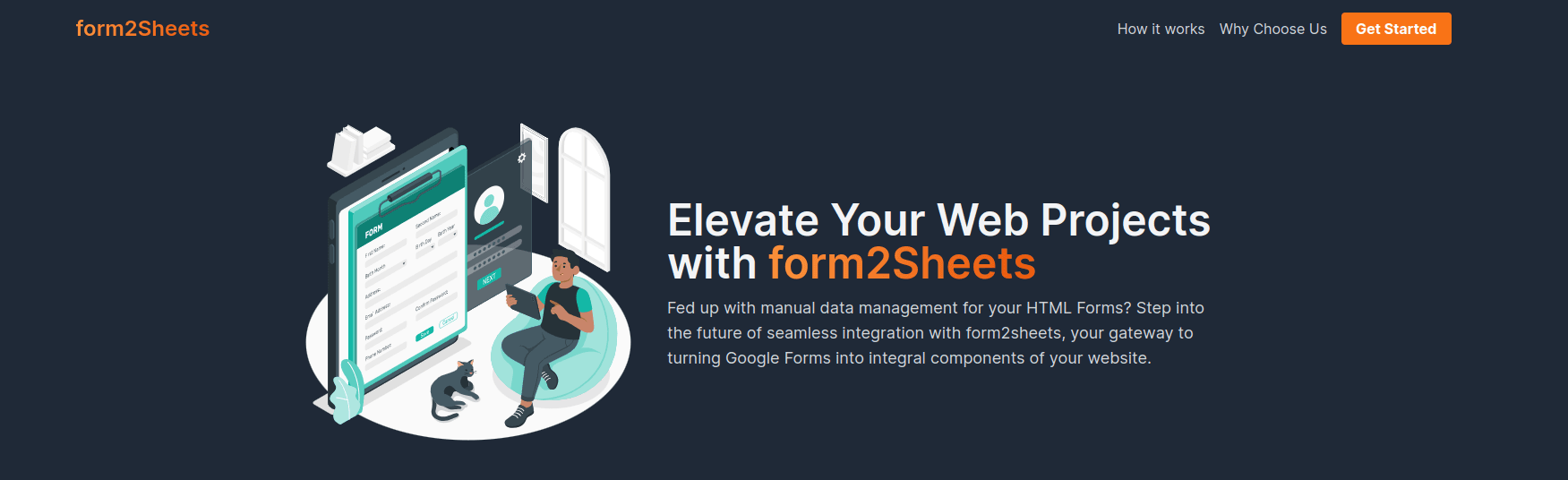
Visit formtosheets.vercel.app (opens in a new tab)
-
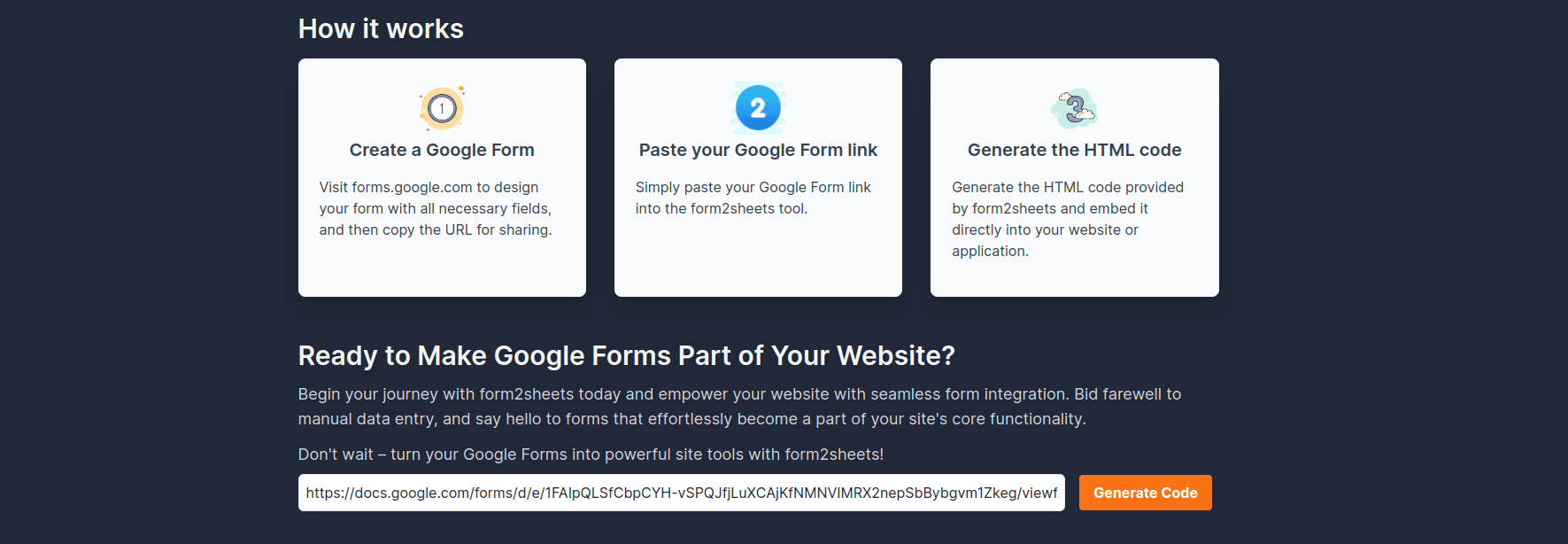
Paste the copied URL and click on the generate button
-
Now you can see that the code for multiple frameworks is generated
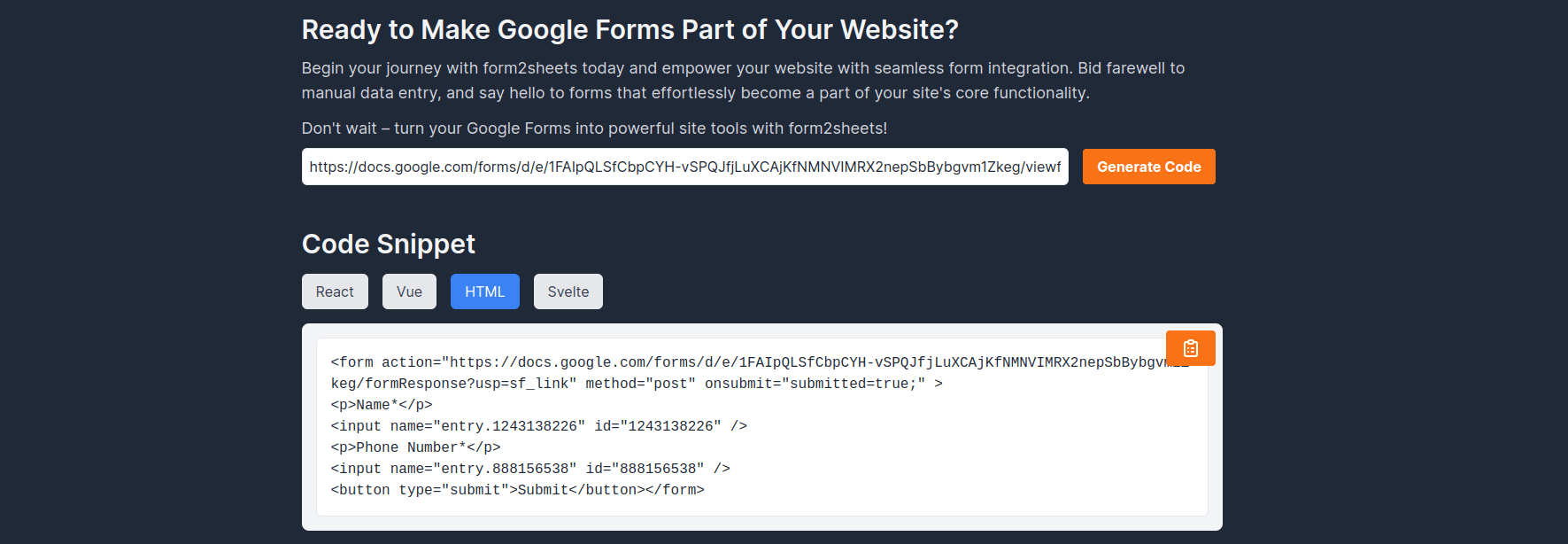
-
If you paste the HTML you'll see the output like this

-
After entering the details and clicking on submit you'll be redirected to Google Forms' submitted page, you can write Javascript to prevent this redirect, for now, I consider this to be out of the scope of this blog

-
In the responses tab, you can check that your response is recorded
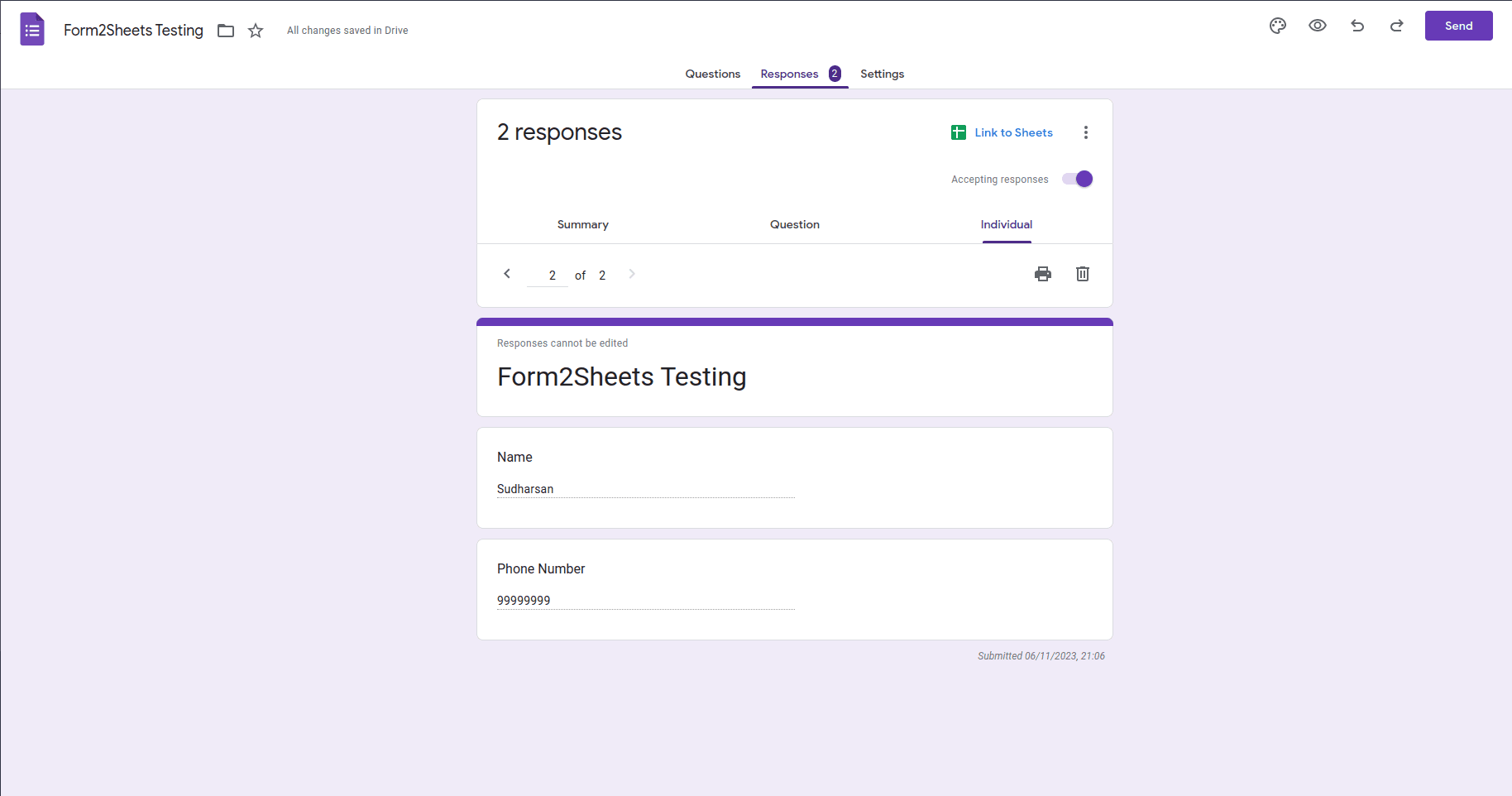
Hope form2Sheets (opens in a new tab) makes your work easier when you build forms on your websites. If you're curious about how I have built this tool you can have a look at the GitHub repository (opens in a new tab)
Happy Learning!